
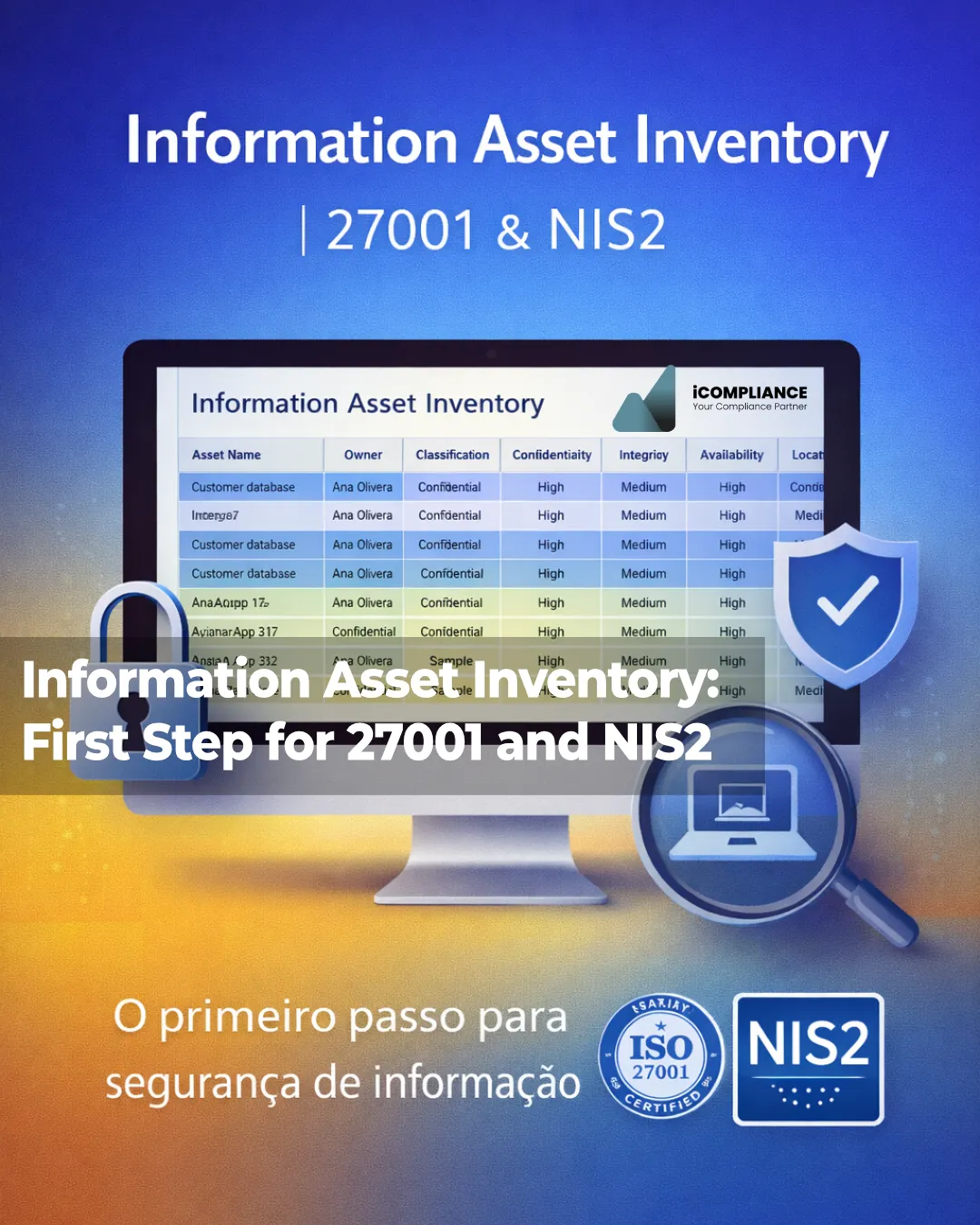
Information Asset Inventory, why is vital?
When an organisation decides to move forward with ISO/IEC 27001 or to prepare for NIS2, the instinct is often to jump straight into policies, technical controls, tooling, penetration testing, or vulnerability management. But there is a more basic question that needs answering first: what information-related assets do we actually have, where are they, who owns them, and how important are they to the business? That is exactly where an information asset inventory comes in.
The principle is straightforward. You cannot protect what you do not understand, and you cannot prioritise what you cannot see.
A proper inventory creates the visibility needed to assess risk, assign accountability, decide protection levels, support continuity planning, and justify investment.
ISO/IEC 27001:2022 is the best-known international standard for information security management systems and requires organisations to establish, implement, maintain and continually improve an ISMS. ISO also frames the purpose of such a system around preserving the confidentiality, integrity and availability of information through a risk management process.
The wider ISO/IEC 27000 family places asset protection in a broad context that includes financial information, intellectual property, employee information and data entrusted by third parties.
From the NIS2 perspective, the case is equally compelling.
The Directive lays down measures aimed at achieving a high common level of cybersecurity across the Union, and ENISA’s technical implementation guidance makes the operational expectation much clearer: relevant entities should classify assets, set rules for proper handling, and maintain a complete, accurate, up-to-date and consistent inventory of assets with traceable changes.
The same guidance states that inventories should cover operations, services, network and information systems, and associated assets, with a level of granularity appropriate to the organisation’s needs.
That means an inventory is not a decorative spreadsheet for auditors. It is the operational foundation of a serious information security and cyber resilience programme.
What counts as an information asset?
Many organisations still think in narrow technical terms. They hear “asset inventory” and immediately think of laptops, servers, routers, firewalls and software licences. That is far too limited. A mature inventory needs to reflect what genuinely supports the organisation and its services: data, applications, systems, repositories, services, devices, infrastructure, cloud environments, business records, integrations, critical suppliers, physical media, and in some cases key people or roles.
NIST’s Cybersecurity Framework 2.0 takes exactly this broad view. Its Asset Management category includes assets such as data, hardware, software, systems, facilities, services and people, all managed according to their relative importance to organisational objectives and risk strategy. NIST also emphasises that effective IT asset management should provide a clear picture of what exists, where it is, and how it is being used.
In practical terms, an information asset is any resource that creates, stores, processes, transmits, protects or supports valuable information. That can include:
- customer databases;
- ERP, CRM and HR platforms;
- shared folders and document libraries;
- contract repositories;
- executive email accounts;
- SaaS platforms;
- backups;
- employee laptops and smartphones;
- websites and client portals;
- APIs and third-party integrations;
- cloud infrastructure;
- OT components where they support essential services.
So the inventory should not focus only on “files” or “machines”. It should map the full environment that enables business information and services to exist.
Why the inventory comes before ISO 27001
A common mistake is to treat ISO/IEC 27001 as a control checklist. In reality, it is a management system built around risk-based decision making. To assess risk properly, you first need to know what has value, what supports critical activities, who relies on it, what could go wrong, and what the impact would be if confidentiality, integrity or availability were compromised. Without an inventory, risk assessment becomes incomplete, subjective, or disconnected from operational reality.
This is why the inventory is such a powerful first step. It turns a vague security initiative into a structured programme. With a reliable inventory, the organisation can:
- identify the assets that truly matter;
- assign a clear owner to each one;
- separate critical assets from secondary ones;
- connect assets to business processes and services;
- support risk assessment with real data;
- prioritise controls, monitoring and recovery;
- produce evidence that stands up in audits and management reviews.
Organisations that try to implement ISO 27001 without this foundation usually hit the same issues again and again: a poorly defined scope, inconsistent risk ratings, unclear ownership, generic controls, weak prioritisation, and difficulty explaining decisions to top management.
Why it is also the right first step for NIS2
Under NIS2, asset visibility is not just helpful. It is central to how cybersecurity risk management becomes workable. ENISA’s implementation guidance states that relevant entities should define classification levels for assets, including information, establish policies for proper asset handling, and maintain inventories that are regularly reviewed and updated. It also says that asset owners should be responsible for classification, and that reviews should take account of regulatory changes and changes in the value, sensitivity and criticality of assets during their life cycle.
That has very concrete implications. If an organisation cannot clearly answer:
- which systems support essential or important services;
- where critical information resides;
- which assets depend on external providers;
- which systems are most sensitive to downtime;
- which information needs the strongest confidentiality controls;
- who approves access, change and handling decisions;
then it is operating with a serious governance blind spot. That undermines not only compliance, but also incident response, business continuity, supplier risk management and investment planning.
What should be included in an information asset inventory?
For organisations that are building capability from scratch, especially SMEs, the best starting point is a model that is simple enough to use but structured enough to govern. The editorial summary you shared points in exactly the right direction.
A practical starter inventory should include at least the following fields:
1. Asset name
Use a clear and unambiguous name. Avoid labels such as “old server” or “shared folder”. Ideally, add a unique ID as well.
2. Description
What is the asset, what does it do, and which business process or service does it support?
3. Owner
Each asset should have a clear business owner. ENISA explicitly recommends that owners should be responsible for classification.
4. Classification
A simple model can begin with labels such as Public, Internal, Confidential and Restricted. The key is documented criteria and consistent use.
5. Confidentiality
What would happen if the information were disclosed without authorisation?
6. Integrity
What would happen if the information or system were changed in an unauthorised way?
7. Availability
What would happen if the asset became unavailable?
ISO/IEC 27001 explicitly frames information security around the preservation of confidentiality, integrity and availability.
8. Criticality
How important is the asset to legal compliance, customer service, core operations or revenue generation?
9. Location
Where is the asset located? On premises, in a cloud tenant, in a SaaS platform, on a mobile device, in a physical archive, or at a supplier?
10. Status / life cycle stage
Active, legacy, being replaced, decommissioned, archived, or under migration.
Extra fields that make the inventory much more useful
ENISA’s guidance suggests that inventories may also include a unique asset ID, asset type, software versions, hardware and firmware details, location, references to external providers and even logging requirements. NIST, meanwhile, reinforces the value of inventories that provide visibility into what assets exist, where they are, and how they are used.
If you want the Excel template to be more robust from day one, consider adding:
- supported process or service;
- business unit;
- asset category;
- supplier or service provider;
- contract or SLA reference;
- backup status;
- retention requirement;
- major dependencies;
- date of last review;
- notes.
These fields make the inventory more than a register. They turn it into a decision-making tool.
How to build the inventory without stalling the project
One of the biggest mistakes is trying to create a perfect enterprise-wide inventory immediately. The aim of the first version is not perfection. It is to build an inventory that is good enough to support governance, risk assessment and prioritisation.
A practical approach looks like this:
1. Define the scope
Start with the most important business processes, services, departments or systems. Do not try to map everything in one go.
2. Define categories
Create simple categories such as information, software, hardware, service, supplier, infrastructure, physical media and legal record.
3. Assign owners
Without owners, inventories go stale very quickly. The owner does not have to be technical. It should be the person accountable for the value and use of the asset.
4. Apply classification criteria
Write down minimum criteria. For example, customer data may never be “Public”, and credentials should never be below “Restricted”.
5. Assess CIA and criticality
Use a simple scale such as Low / Medium / High / Very High. Consistency matters more than complexity.
6. Record location and dependencies
Knowing where an asset sits, and what it depends on, is essential for incident response, continuity, supplier oversight and change management.
7. Validate with process owners
The inventory should not be built by IT alone. Process owners, security, compliance and operations should all review it.
8. Establish an update routine
ENISA recommends regular review, inventory updates and change history. Without maintenance, the inventory quickly loses credibility.
Does an Excel inventory still make sense?
Yes, especially at the beginning.
Not every organisation needs to start with a CMDB, a GRC platform or a dedicated asset management solution. ENISA does recommend tooling features such as tagging, search, reporting and alerts for missing or incomplete data, but that does not mean a well-designed spreadsheet is the wrong first step.
A strong Excel template is still one of the best ways to:
- get started quickly;
- involve business teams;
- collect information collaboratively;
- test classification criteria;
- expose gaps before buying software;
- build an initial evidence base for risk, audit and compliance.
The problem is not Excel itself. The problem is an unmanaged spreadsheet with no owner, no review cycle, no rules and no link to the wider management system.
Common mistakes to avoid
Five mistakes appear again and again.
Inventorying only hardware
If you only count laptops and servers, you miss the real business value: information, systems, services and dependencies.
No clear ownership
When everyone uses an asset but no one owns it, classification and maintenance break down.
Classification without criteria
Labels such as “confidential” mean little unless the organisation defines what they require in practice.
No periodic review
Assets are created, migrated, changed and retired constantly. A static inventory becomes unreliable very quickly.
No business context
A useful inventory should explain more than what exists. It should explain why the asset matters.
What the inventory enables next
A good inventory should not sit in a folder waiting for an audit. It should be used immediately to support:
- risk assessment;
- ISO 27001 control design;
- critical asset prioritisation;
- dependency analysis;
- access governance;
- incident response;
- continuity and recovery planning;
- supplier due diligence;
- internal and external audits;
- NIS2 readiness.
It also creates a common language between IT, security, compliance and business teams. That alone reduces friction, rework and badly prioritised decisions.
Final thoughts
If your organisation wants to move seriously towards ISO 27001 or prepare properly for NIS2, the first question should not be “Which tool should we buy?” or “Which policy should we write first?” The right question is: do we have a reliable information asset inventory with owners, classification, CIA criteria, criticality and location?
That single foundation makes the rest of the programme dramatically better. Without it, compliance is often superficial. With it, security becomes far more practical, defensible and aligned with business reality.
An information asset inventory is not the end of the journey. But it is very often the right first step.
Next steps:
- Download our Excel information asset inventory template and start building the foundation you need for ISO 27001 and NIS2.
- To link the asset inventory to risk assessment, control design and the compliance roadmap: